Prepare five measurements
Measure the clear width and depth of one rectangular storage area. Subtract any edge space you want for handling before entering those values; the calculator does not add a margin against the cabinet walls. For an irregular shelf, choose a genuinely clear rectangular part rather than pretending the obstruction is absent.
Measure the organiser's maximum outside width and depth, including any projecting rim or handles. Finally choose the gap you want between neighbouring organisers. Use centimetres consistently, with no more than two decimal places. The tool accepts dimensions from 1 to 300cm and a gap from 0 to 5cm.
Understand the two layouts
For each direction, the calculation finds the largest whole count whose organiser lengths plus the gaps between them fit within the available dimension. It repeats the calculation after rotating every organiser through 90 degrees, then compares the total counts.
Illustrative example: a clear shelf 60cm wide and 40cm deep, with organisers 18cm by 12cm and 1cm gaps, fits three across and three deep as entered. Those nine organisers occupy 56cm by 38cm. Turn every organiser and four across by two deep gives eight, occupying 51cm by 37cm.
| Illustrative layout | Across × deep | Occupied footprint | Unused width / depth |
|---|---|---|---|
| As entered | 3 × 3 = 9 | 56 × 38cm | 4 / 2cm |
| All turned 90° | 4 × 2 = 8 | 51 × 37cm | 9 / 3cm |
Check what the arithmetic cannot decide
The tool does not mix orientations within one layout, pack different-sized boxes, stack containers or search every possible arrangement. It may therefore show fewer items than a carefully designed mixed layout. A zero result means no organiser fits in that tested orientation within the entered rectangle.
Check height, loaded weight, shelf loading, door opening and the space needed to lift an organiser out. For a drawer, use the internal measurement checklist. Beneath a basin, establish the service keep-clear area before entering a shelf size.
Save a useful comparison
Use the calculator below to compare the two layouts, then copy or download the measurements and results. Changing an input clears the previous result so an old calculation is not mistaken for the new one. Reset returns the form to the labelled example values.
The calculator runs in your browser and does not send or save your entries. A saved result is a planning note, not an order, enquiry or booking. Bring it and any unconfirmed cabinet dimensions to your showroom appointment, and verify the chosen layout with the real products before buying organisers.
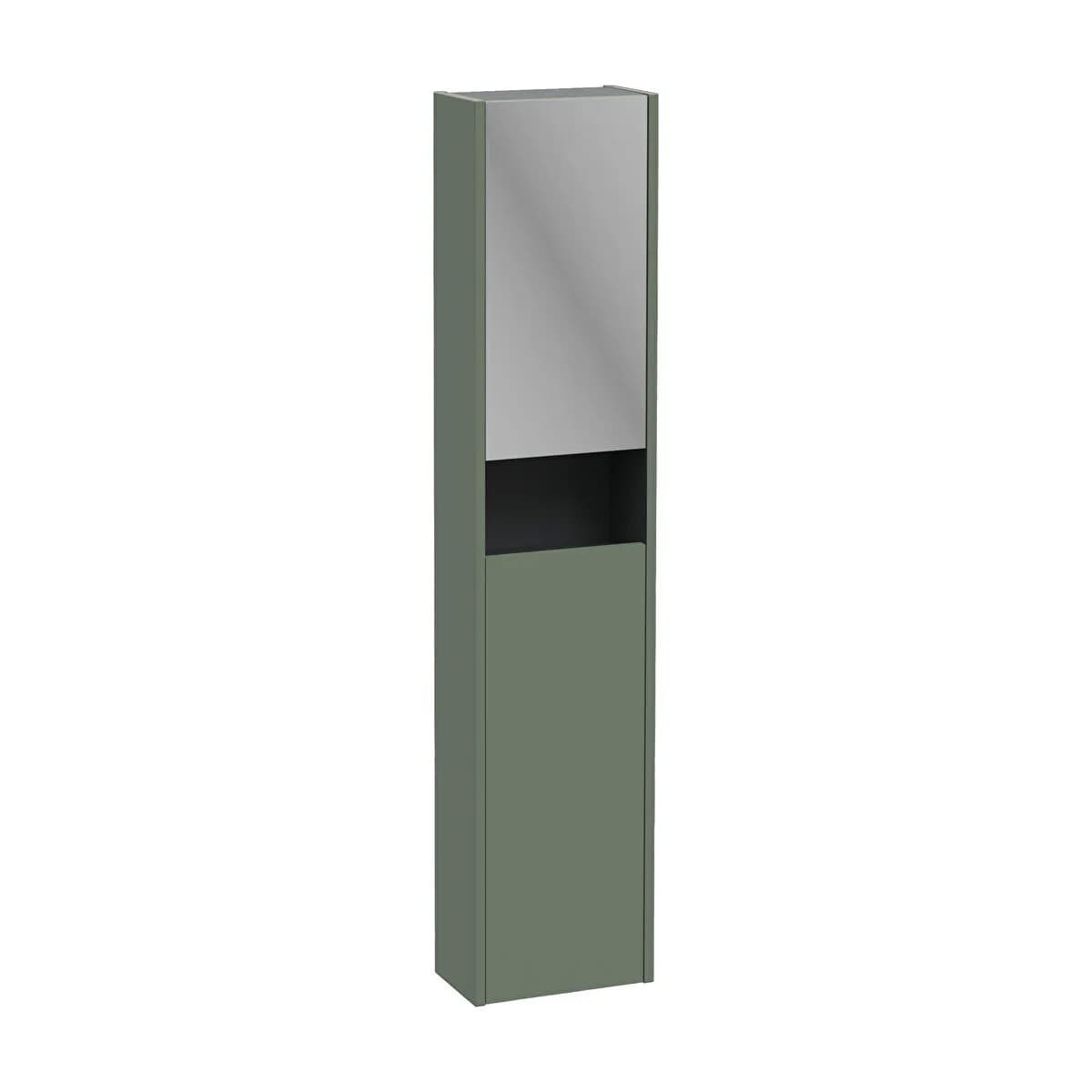
The supplier illustration comes from the Vitra Sareta Square Tall Unit 30 CM, Right Hand, Compact, Two Doors - Matt Green listing. Confirm the exact specification, stock and available showroom examples before choosing; the image is not an installation approval.
YOUR PLANNING TOOL
Compare two organiser layouts.
The starting values are an illustrative example. Replace them with the clear internal shelf dimensions and the organiser’s widest outside dimensions. Subtract obstacles and any edge handling space first.
Enter your measurements, then calculate the two layouts.
Entries stay in this page and are not sent or saved. The result compares two uniform rectangular layouts, without mixed orientations or stacking. Check height, lifting room, hinges, pipework and shelf loading separately.
Discuss storage at an appointment →Sources & further reading
Prepared with AI assistance from the linked sources and Elegant Haven’s published service information. This guide helps you prepare decisions; product suitability and installation details need confirmation for your own room. It is not a record of a completed Elegant Haven installation or an expert sign-off.